

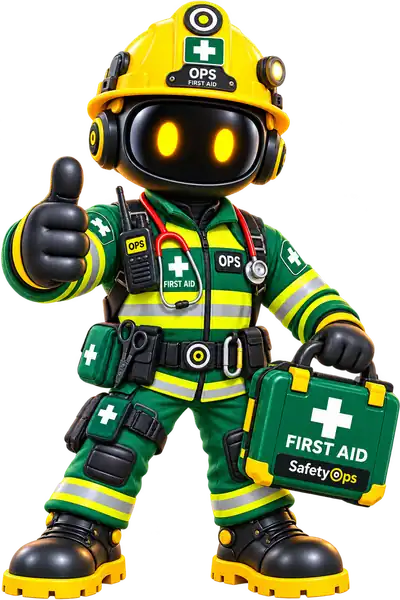
Risk assessments, inspections, training, equipment, actions and evidence stay connected around the same people and assets.
AI-Powered Health & Safety Operating System
SafetyOpsThe safety lifecycle, finally connected.
SafetyOps connects people, equipment, risk, compliance, actions and evidence in one intelligent safety operating system — with OPS helping you understand what matters and what needs attention.
People. Equipment. Risk. Compliance. Connected.
First Aid — First aiders and kit checks, tracked and reviewed like every other record.
The connected safety lifecycle
Everything connected.
From regulatory requirements to frontline activity, inspections, actions and evidence, SafetyOps keeps the entire safety lifecycle connected — not as a list of modules, but as one chain of real, traceable records.
- 01Regulation & governed knowledge
- 02Applicability — what's relevant to you
- 03Safety requirements confirmed
- 04Risk assessed
- 05People
- 06Competence
- 07Authorisation
- 08Equipment & activities
- 09Inspection
- 10Incident or finding
- 11Action
- 12Evidence
- 13Management review — back to knowledge
Management review feeds straight back into what SafetyOps considers relevant next — the loop closes, it doesn’t restart from a blank page.
Meet OPS
Your AI Safety Officer. Built into every page.
OPS is the intelligence layer across the connected system — reading your company’s own real, governed SafetyOps data to answer the questions that actually come up, not a generic chatbot with no context.
AI assists. Competent people decide.
Meet OPS →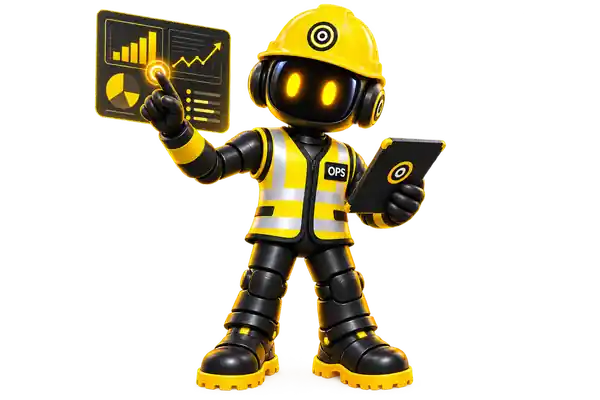
“Can John operate FLT-02?”
Yes — trained, competency current, and authorised on that specific asset.
“What's overdue?”
One LOLER examination and one risk assessment review — both already on the Command Centre.
“We've bought another forklift. What needs to change?”
Recognises the change, flags PUWER and operator authorisation as relevant, and drafts a starting risk assessment for review.
“What training is missing?”
Two employees are due a First Aid refresher within 18 days — nothing has lapsed yet.
One system. Every person.
Safety management shouldn’t stop with the safety manager
Everyone gets the safety information that matters to their own role — not a generic employee portal, a real personal safety workspace: induction, training, toolbox talks, the equipment they’re authorised on, the COSHH and risk assessments relevant to their work, their documents, their calendar, and a direct way to report something.
- My Induction
- My Training
- My Toolbox Talks
- My Equipment
- My Risk Assessments
- My COSHH
- My Documents
- My Calendar
Equipment digital identity
Every machine has a safety record.
Equipment isn’t just an asset register. Its PUWER and LOLER status, authorised operators, open defects, inspection history and documents stay connected to the one record — and scanning its QR code takes you straight there.
- PUWER and LOLER compliance status, side by side
- Authorised operators, from the Capability Gap Engine
- Open defects, routed through the Action Centre
- Full inspection history kept against the asset
One Command Centre
See what needs attention before it becomes a problem
SafetyOps brings live operational information into one place, instead of managers having to search through spreadsheets, folders and disconnected records to find out what needs doing.
- High residual risk and reviews due, surfaced automatically
- Equipment inspections due soon or overdue
- Open compliance actions across Fire, PUWER, LOLER and COSHH
- Upcoming reviews and notifications in one feed
Meet the OPS Team
One OPS. Different safety contexts.
OPS changes with the work in front of you — bringing the right SafetyOps context into view while keeping people, equipment, risk and compliance connected.
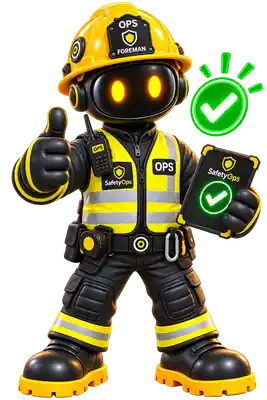
OPS
Your AI Safety Officer
Your everyday SafetyOps guide — helping surface what needs attention across people, equipment, risk and compliance.
Meet OPS →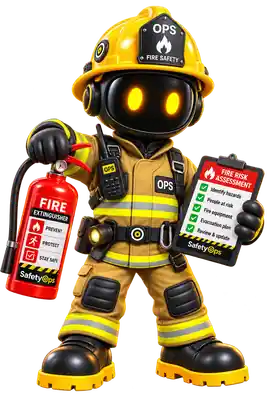
Fire OPS
Focused on fire risk assessments, reviews, actions and the records behind your fire safety arrangements.
Explore Fire Safety →
First Aid OPS
Keeps first aid arrangements visible — trained First Aiders, appointed people, kits, AED checks and review dates.
Explore First Aid →
COSHH OPS
Brings hazardous substances, assessments, controls and review status into one connected view.
Explore COSHH →
PUWER OPS
Connects work equipment, inspections, guarding, competence and the records used to manage PUWER.
Explore PUWER →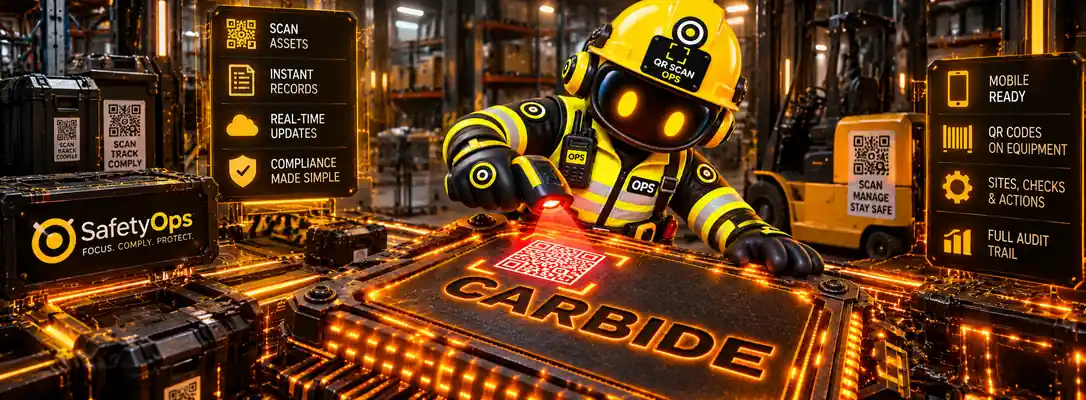
QR OPS
Scan the code on equipment and jump straight to its SafetyOps record — status, inspections, authorisations and history.
Explore QR Scanning →Intelligence, not a form builder
Intelligence built on governed safety knowledge
SafetyOps doesn’t hand every customer the same generic paperwork. Content is authored once, centrally, matched to your business by the Applicability Engine, and only becomes part of your controlled safety system once a person confirms it.
882
Knowledge Library masters
Governed policies, procedures, risk assessments, SSOWs and toolbox talks — versioned and lifecycle-managed, not a static template pack.
25
Regulatory Library references
Curated UK legislation and HSE source references, with verification metadata attached.
423
Applicability Engine rules
Decide what's actually relevant to your business from its activities and classification — not the same library handed to every customer.
Confirmed by you
Safety requirements → company documents
A human confirms what applies, then SafetyOps clones the matched master into your own controlled document, traceable back to its source.
AI you can govern
AI assists. People decide.
SafetyOps helps organisations manage health & safety processes with structure and oversight — it supports your team's decisions and evidence, it doesn't replace your competent person or make compliance decisions for you.
AI drafts, people decide
AI-generated analyses and documents are held in a draft state until a person reviews and confirms them.
Built-in safety checks
High-risk scenarios always trigger required clarification questions — a safeguard that doesn't depend on what the AI itself suggests.
Traceable, structured records
Records carry who created and confirmed them, and when — giving you evidence you can actually find later.
Mandatory clarification is built in for defined high-risk scenarios:
Work at heightLiftingHot workConfined spaceExcavationHazardous substancesLive electricalAsbestosDemolition
No signal? Keep working. Available
Safety doesn't stop. Neither should reporting it.
Basements, plant rooms, rural sites, steel-framed buildings — signal drops out. Report an incident anyway: SafetyOps saves it on the device and synchronises the moment a connection returns. This is a real, shipped capability, live-verified end to end — not a roadmap promise.
- Signal lostThe incident form keeps working — nothing locks or disappears.
- Saved on the deviceThe report is queued locally, with a clear on-screen confirmation it's saved, not lost.
- Connection restoredSafetyOps synchronises the queued report automatically — no manual re-upload.
- Command Centre updatesThe incident appears in the Action Centre exactly as if it had been reported online.
Who it’s built for
Built for real, industrial workplaces
The same connected platform, applied to the risks each industry actually faces.
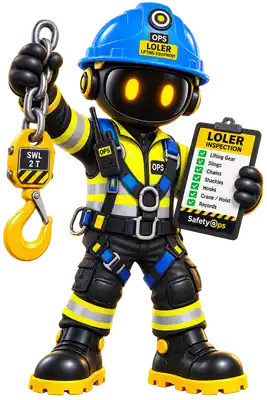
Warehousing & Logistics
Forklifts, racking, LOLER and PUWER in one connected register.
Manufacturing
Machinery risk, COSHH and workforce competence, together.
Construction
Work at height, contractor management and site-specific risk.
Engineering
Equipment authorisation and manual handling, connected to the register.
Facilities Management
Fire safety, multi-site compliance and planned works in one view.
See your safety operation through OPS.
One connected system for people, equipment, risk and compliance — built to help you see what matters before it becomes a problem.