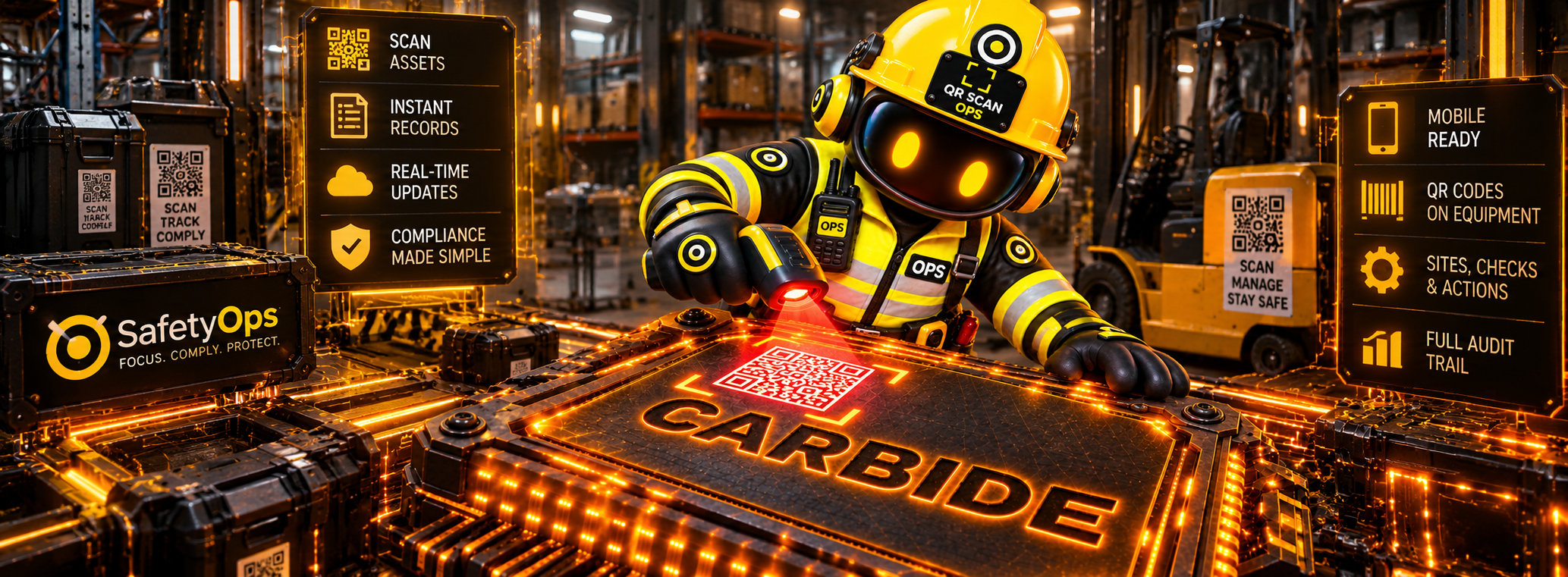
Scan an equipment QR code from SafetyOps and jump directly to that asset's record at the point of work.
Overview
QR Scanning is the physical-to-digital access layer into your Equipment Register — a QR code on the asset takes you straight to that equipment's own SafetyOps record, from your phone.
Scan an equipment QR code from the Dashboard or My Workspace “Scan Equipment QR” action, in any modern mobile browser, and SafetyOps opens that asset's profile — status, inspection history, authorisations and recorded history, the same record PUWER and LOLER already build on.
This isn't a separate QR-code product or a second register — it's a faster way into the equipment record you already have. Scanning opens the record; it doesn't perform an inspection, certify equipment, or replace the judgement of your own competent person.
Why it matters
At the point of work, the person standing in front of a piece of equipment shouldn't have to search a register or guess which record is theirs — a scan should take them straight to the right one.
Benefits
No register searching
Scan the code on the asset and open its exact SafetyOps record directly.
Status and history, at the asset
See inspection history, status and authorisations without leaving the point of work.
One connected record
The same Equipment Register record PUWER and LOLER already use — not a second, standalone QR database.
Workflow
- Open “Scan Equipment QR” from the Dashboard or My Workspace.
- Use your phone's camera to scan the QR code attached to the equipment.
- SafetyOps takes you straight to that asset's own equipment profile.
- View its status, inspections, authorisations and history, and continue into the SafetyOps workflows already connected to it.
Connected across SafetyOps
QR ↔ Equipment
A scan opens the same Equipment Register record every other module reads from — QR is an access layer, not a separate list.
QR ↔ PUWER
Scanning work equipment gives fast access to its guarding and equipment check history — it doesn't perform or certify the PUWER check itself.
QR ↔ LOLER
Scanning lifting equipment surfaces its thorough examination history — the examination itself stays with your competent person or appointed examiner.
QR ↔ Equipment Inspections
The record a scan opens is the same one Equipment Inspections logs checks against, so what you see at the asset is always current.
Interface
A dedicated interface for this module already exists in the SafetyOps application.
See QR scanning open a real equipment record
Scan an asset's QR code and land straight on its SafetyOps profile — book a walkthrough, or see the full platform.
Frequently asked questions
How does SafetyOps QR scanning work?
Scan an equipment QR code from the “Scan Equipment QR” action on the Dashboard or My Workspace, using your phone's camera in a modern mobile browser. SafetyOps takes you straight to that asset's own equipment profile.
What information can I see after scanning equipment?
The equipment's own profile — status, inspection history, authorisations and recorded history, the same record PUWER and LOLER both build on.
Do employees need a separate QR scanner app?
No — scanning works from inside SafetyOps in a modern mobile browser. No separate scanner app is required.
Can QR scanning be used for PUWER and LOLER equipment?
Yes — scanning opens the same equipment record PUWER and LOLER already use. It gives fast access to that record; it doesn't perform the statutory examination, certify the equipment, or replace your competent person or appointed examiner.
Does QR scanning work offline?
Scanning is available today from a modern mobile browser inside SafetyOps. A dedicated offline app is a separate, planned addition — see SafetyOps On The Move.
Can QR codes replace equipment inspections?
No — scanning opens the equipment's record; it doesn't perform an inspection. Inspections are carried out and logged separately, the same way as on every other equipment record.
The equipment in front of you. The right record on your phone.
One scan, the correct SafetyOps record — status, inspections, authorisations and history, connected to the same equipment PUWER and LOLER already use.