

Describe the work you're planning in ordinary language, and SafetyOps AI drafts the hazards, activities and documents likely to be relevant — a starting point, not a finished answer.
Intelligence
SafetyOps AI
Describe the work, and SafetyOps AI produces a structured analysis — hazards, activities and recommended documents.
Available
Overview
SafetyOps AI drafts a structured work analysis from a plain description of the work, and always adds mandatory clarification questions and warnings for high-risk scenarios — whatever the AI itself returns.
Every AI-drafted analysis remains in a reviewable state until a person confirms it. AI assists — it never decides.
Why it matters
AI that quietly decides is a liability in a safety-critical product. AI that drafts, explains itself, and waits for a human is what makes SafetyOps AI usable for real compliance work.
Benefits
Structured analysis
Hazards, activities and recommended documents from a plain description of the work.
Safety guardrails, always on
High-risk scenarios always trigger mandatory questions, whatever the AI itself suggests.
Human review, always
Draft analyses stay in review until your team confirms them.
Workflow
- Describe the work you're planning, in plain language.
- SafetyOps AI drafts hazards, activities and recommended documents.
- Built-in safety checks add any mandatory clarification questions for high-risk scenarios.
- A competent person reviews and confirms before anything is finalised.
Interface
Frequently asked questions
Can SafetyOps AI finalise a document without a human?
No — every AI-drafted output remains in a reviewable state until a competent person confirms it.
What happens for high-risk work like work at height or confined spaces?
SafetyOps always adds mandatory clarification questions for these scenarios, whatever the AI itself suggests — a safeguard that doesn't depend on the AI noticing the risk.
OPS — Your AI Safety Officer
OPS changes with what's actually happening
OPS reads your company’s own real, already-governed SafetyOps data — never a separate, invented status. Its appearance simply reflects that truth back to you, at a glance.
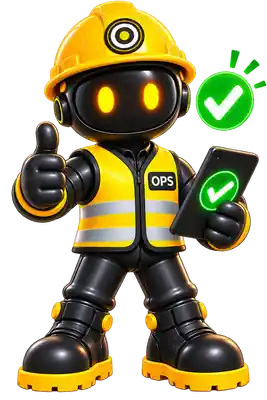
Ready
Everything looks good — no outstanding action, nothing overdue.
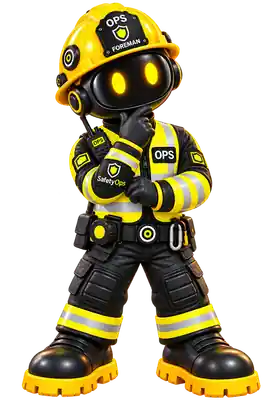
Thinking
OPS is checking the details before answering.
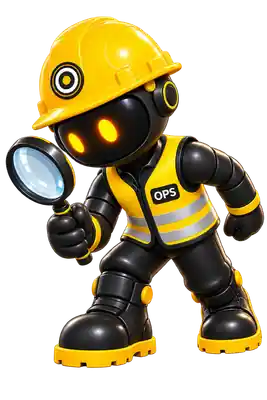
Inspecting
Reviewing equipment, records or safety information.
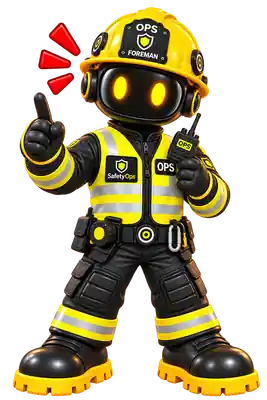
Attention
Something needs action — surfaced from your own real records, never invented.
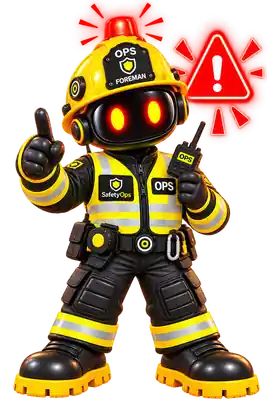
Critical
A serious issue needs dealing with now.
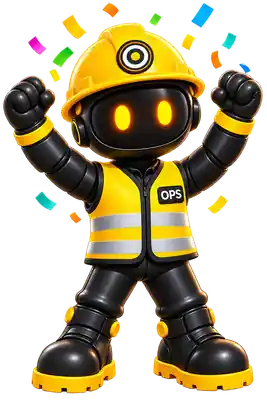
Success
A required action has genuinely been completed.
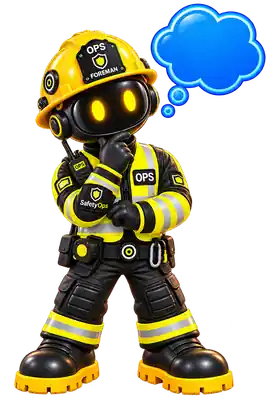
Guide
OPS can walk you through what to do next.
QR Scan
Scan equipment or safety information out in the field.
On the move
Scan equipment. Jump straight to its record.
Point your phone’s camera at an equipment QR code from inside SafetyOps and you’re taken straight to that asset’s own profile — status, inspections, authorisations and history, without searching for it.
Available today from the Dashboard and My Workspace “Scan Equipment QR” action, in any modern mobile browser. A dedicated offline app is a separate, planned addition — see SafetyOps On The Move.
Explore QR Scanning →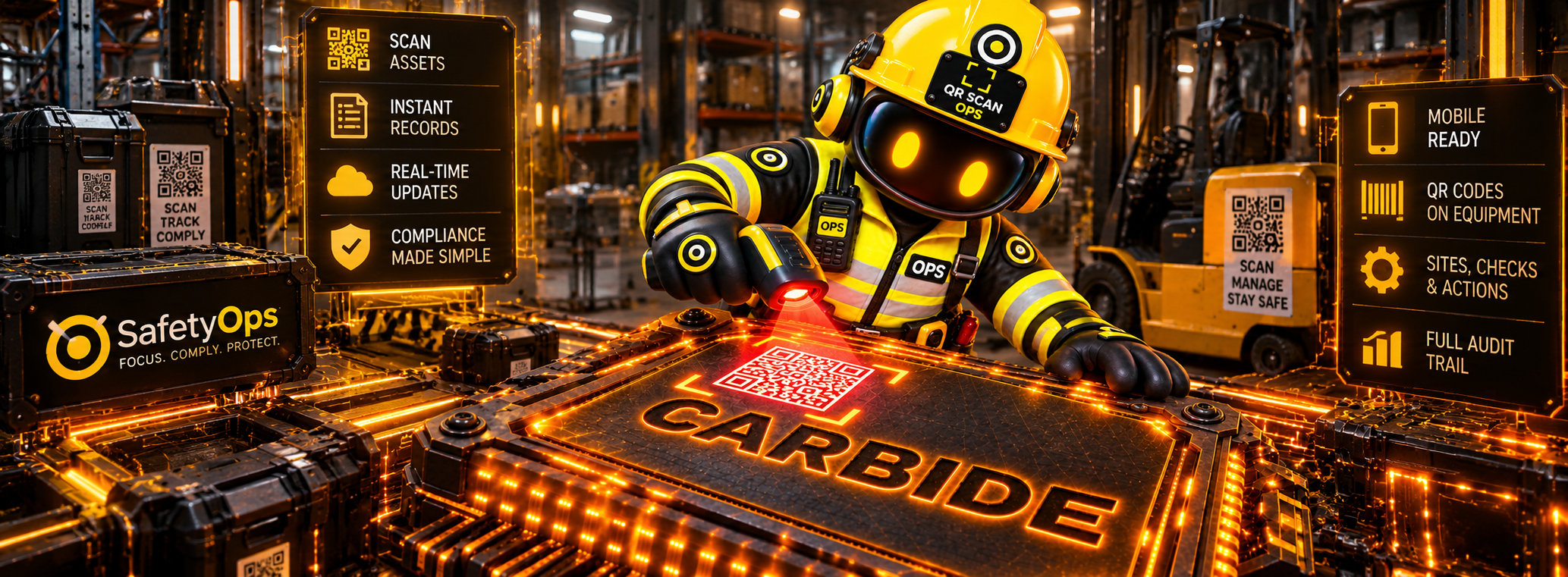
Physical equipment
A real QR code on the asset itself.
Scan
Native camera scan, in any modern mobile browser.
SafetyOps record
Straight to that asset's own real profile.
Governed action
Status, inspections, authorisations — ready to act on.
Intelligence, not a form builder
Intelligence built on governed safety knowledge
SafetyOps doesn’t hand every customer the same generic paperwork. Content is authored once, centrally, matched to your business by the Applicability Engine, and only becomes part of your controlled safety system once a person confirms it.
882
Knowledge Library masters
Governed policies, procedures, risk assessments, SSOWs and toolbox talks — versioned and lifecycle-managed, not a static template pack.
25
Regulatory Library references
Curated UK legislation and HSE source references, with verification metadata attached.
423
Applicability Engine rules
Decide what's actually relevant to your business from its activities and classification — not the same library handed to every customer.
Confirmed by you
Safety requirements → company documents
A human confirms what applies, then SafetyOps clones the matched master into your own controlled document, traceable back to its source.