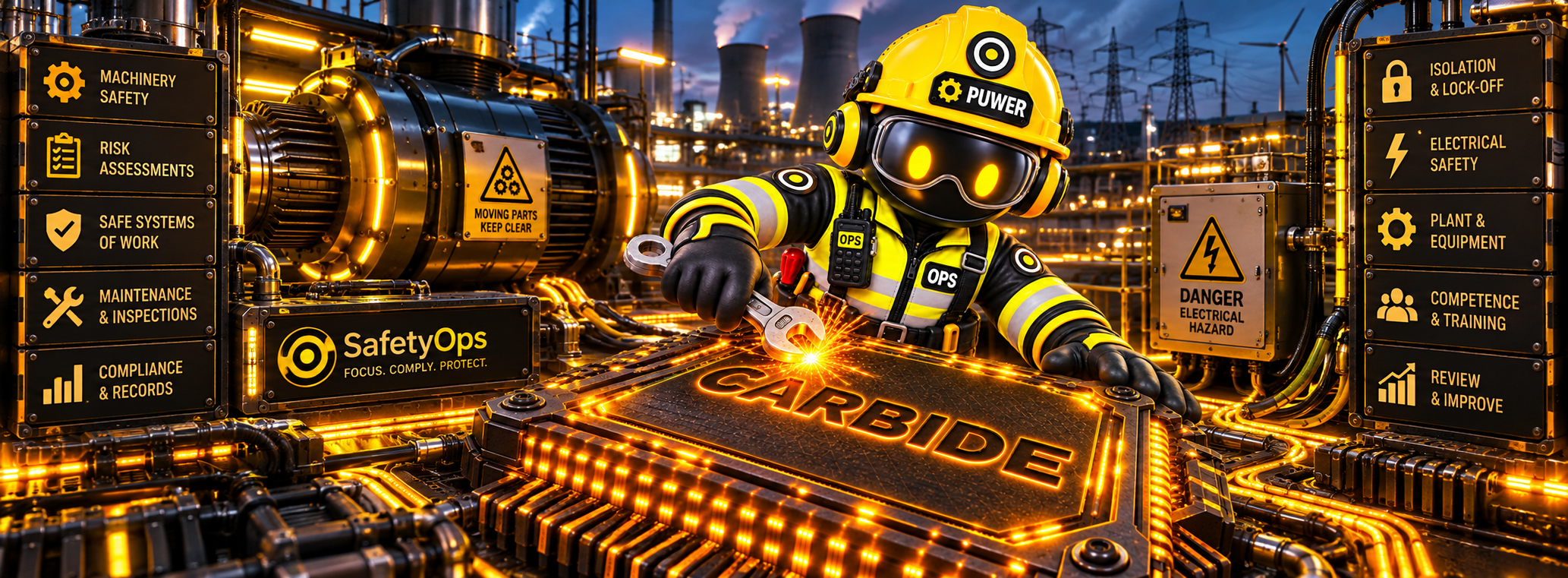
Work equipment checks and guarding records read from the same Equipment Register as every other module, so PUWER compliance never needs a second, disconnected list.
Overview
The PUWER centre is live, built on the same Equipment Register and inspection infrastructure used across the platform.
Work equipment checks and guarding records are logged against the same equipment profile the Equipment Register itself shows — not a second, PUWER-only list — so status is consistent wherever it's viewed from.
SafetyOps organises and evidences these checks; it doesn't carry out the statutory inspection itself or certify a piece of equipment as compliant. That judgement stays with your own competent person.
Why it matters
PUWER duties apply to almost every piece of work equipment — keeping guarding and equipment checks on the SAME register as everything else avoids a second, disconnected system.
Benefits
Guarding & equipment checks
Work equipment inspection records, organised for PUWER.
Shares the Equipment Register
No separate, disconnected equipment list to maintain.
Defects become actions
Identified defects connect straight into the Action Centre.
Workflow
- Work equipment is registered once, in the shared Equipment Register.
- Guarding and equipment checks are logged against it, building a real inspection history.
- A defect raises an Action Centre item automatically for follow-up.
- Check history and closed actions stay on record as evidence for your own review.
Connected across SafetyOps
PUWER ↔ Equipment
PUWER checks are logged against the same Equipment Register record used everywhere else — not a disconnected, PUWER-only list.
PUWER ↔ LOLER
Work equipment and lifting equipment share the same register and examination-recording workflow, so an asset needing both has one history, not two.
PUWER ↔ Action Centre
A defect found during a check becomes a real, tracked action automatically — not a note left in a paper file.
Interface
A dedicated interface for this module already exists in the SafetyOps application.
See PUWER checks on the register you already use
One equipment record, one inspection history — book a walkthrough, or see the full platform.
Frequently asked questions
Is PUWER equipment tracked separately from the main Equipment Register?
No — PUWER reads from the same Equipment Register as every other module, so there's one history per asset.
Does SafetyOps carry out PUWER inspections?
No — SafetyOps organises and evidences the checks your team or a competent person carries out. It doesn't perform the statutory inspection or certify equipment as PUWER-compliant.
What does PUWER software help manage?
The equipment checks, guarding records, defects and corrective actions that support your own PUWER compliance judgement — built on the same equipment record used across SafetyOps, not a separate system.
PUWER evidence, built on the register you already trust.
Guarding checks, defects and actions — organised and evidenced, with the statutory judgement staying exactly where it belongs: with your competent person.